Web Audio API: AudioNode Graphs and Real-Time Signal Processing
How AudioContext routes nodes, schedules AudioParam automation, and runs custom AudioWorklet processing—with practical limits.
Publication & corrections: infostoa · Editorial standards
Individual author and specialist reviewer information is not provided for this article.
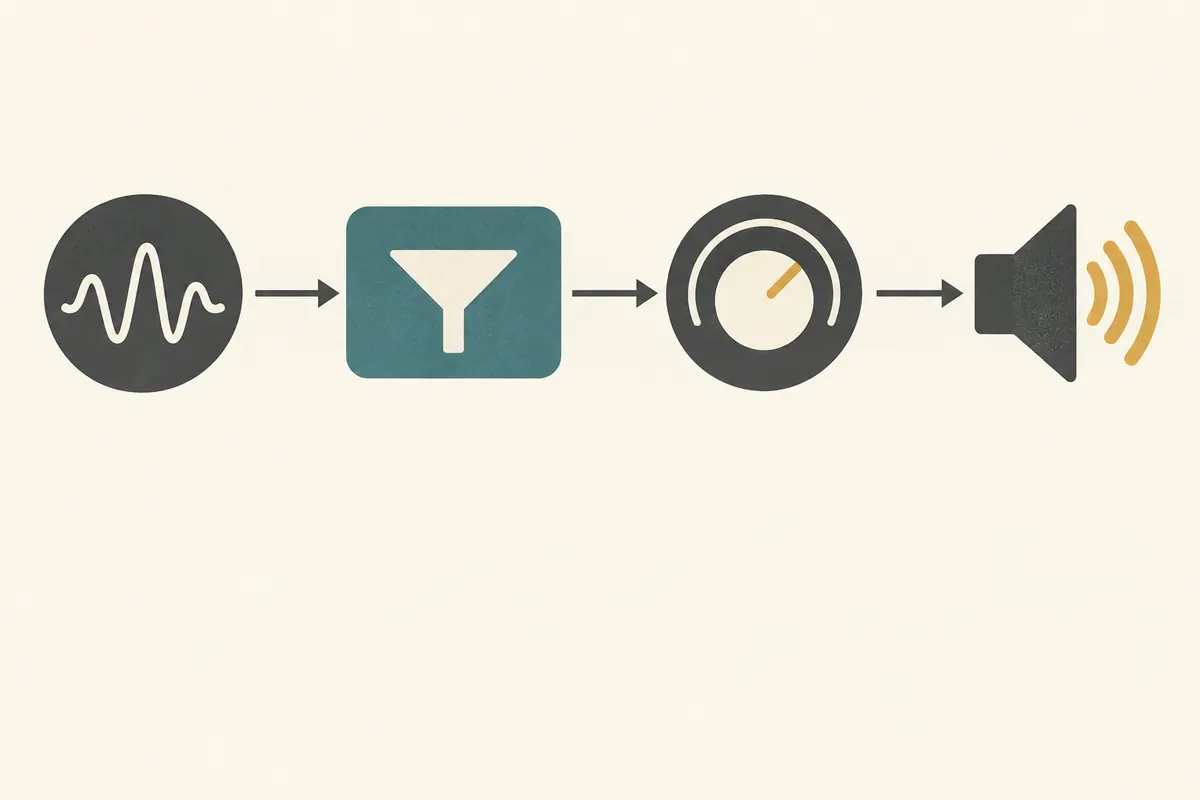
The Web Audio API lets a browser application connect sound sources, processing steps, and outputs as a graph. That makes it possible to combine filtering, gain, spatialization, and analysis rather than only playing a file. A connected graph does not, by itself, guarantee real-time performance or artifact-free sound. Developers need to understand the rendering model and test the actual browser and output devices.
AudioContext and connected signal nodes
An AudioContext manages an audio-processing graph and its time coordinate. Source nodes can provide an oscillator, an in-memory audio buffer, a media element, or a live media stream. A signal can pass through processing nodes such as GainNode, filters, delay, or panning before reaching context.destination. AudioNode.connect() links outputs to inputs; an application can split a signal into paths or mix multiple inputs.
It is inaccurate to describe every Web Audio graph as a directed acyclic graph. Feedback paths can be constructed, subject to the rendering rules for cycles; a DelayNode, for example, can provide delay in a feedback loop. Whether a particular graph is valid also depends on its connections and the channel configuration required by the specification.
Schedule changes with AudioParam
Parameters such as gain and filter frequency are exposed as AudioParam objects that can be automated over time. Methods such as setValueAtTime() and the linear or exponential ramp methods schedule values against the audio timeline. This differs from repeatedly changing values with ordinary JavaScript timers: the specification is designed to schedule audio playback and parameter automation on a precise audio time coordinate.
That design is not a promise of perfectly click-free physical output or zero latency on every browser and device. Event timing, context state, rendering load, and output hardware can affect what a listener hears. When setting a parameter directly, account for its current value and already scheduled events, then test the result in the target browser and listen for artifacts.
What AudioWorklet does
The specification’s AudioWorklet allows application code to process audio on the rendering thread and provide custom node behavior. An AudioWorkletNode in the main scope pairs with an AudioWorkletProcessor in the worklet scope; its processing is synchronized with built-in nodes in the audio graph. A custom filter or transform can therefore be connected like other nodes.
Running on the rendering thread does not provide unlimited compute time. Expensive processing or repeated operations that can cause delays may interrupt audio. Reusing a ring buffer or keeping work small can be sensible implementation practice, but zero allocation is not a guarantee imposed by the API. Measure on target devices and keep avoidable work out of the time-sensitive processing path.
A practitioner perspective on graph design and compatibility
Sketch where signals start, which operations they pass through, and where they end; then verify each connection and channel arrangement. An AnalyserNode can expose analysis data without changing the signal passing through it, while nodes such as BiquadFilterNode or DynamicsCompressorNode process the signal. Use node types and automation features supported by the API and the browsers you target.
The W3C Web Audio API 1.1 Editors’ Draft is dated 9 September 2026 and labels itself work in progress; it is not a final W3C Recommendation or endorsement. Read its processing model alongside MDN’s practical explanation, and account for the draft’s changeable status. Playback latency, AudioWorklet support and performance, and autoplay behavior vary across browsers and devices. Test startup, context state, sustained load, and output quality on deployment targets. A valid graph is not proof of a particular sound quality or performance level.
Sources
- W3C Web Audio Working Group, Web Audio API 1.1 Editors’ Draft (2026-09-09) — work-in-progress node routing, AudioParam automation, AudioWorklet, and rendering model.
- MDN Web Docs, Basic concepts behind Web Audio API — practical explanation of source, processing, and destination nodes.