Find Mac Terminal Help with man and apropos
Use macOS man and apropos (man -k) to find installed command manuals and distinguish shell built-ins from external programs.
Publication & corrections: infostoa · Editorial standards
Individual author and specialist reviewer information is not provided for this article.
Check a command in Terminal with the manual pages installed on the Mac. man command opens a page by name. The result is limited to documentation and tool versions present on that computer; it does not promise coverage of every command or the newest release. Apple’s Command Line Primer is an official starting point for the command-line environment.
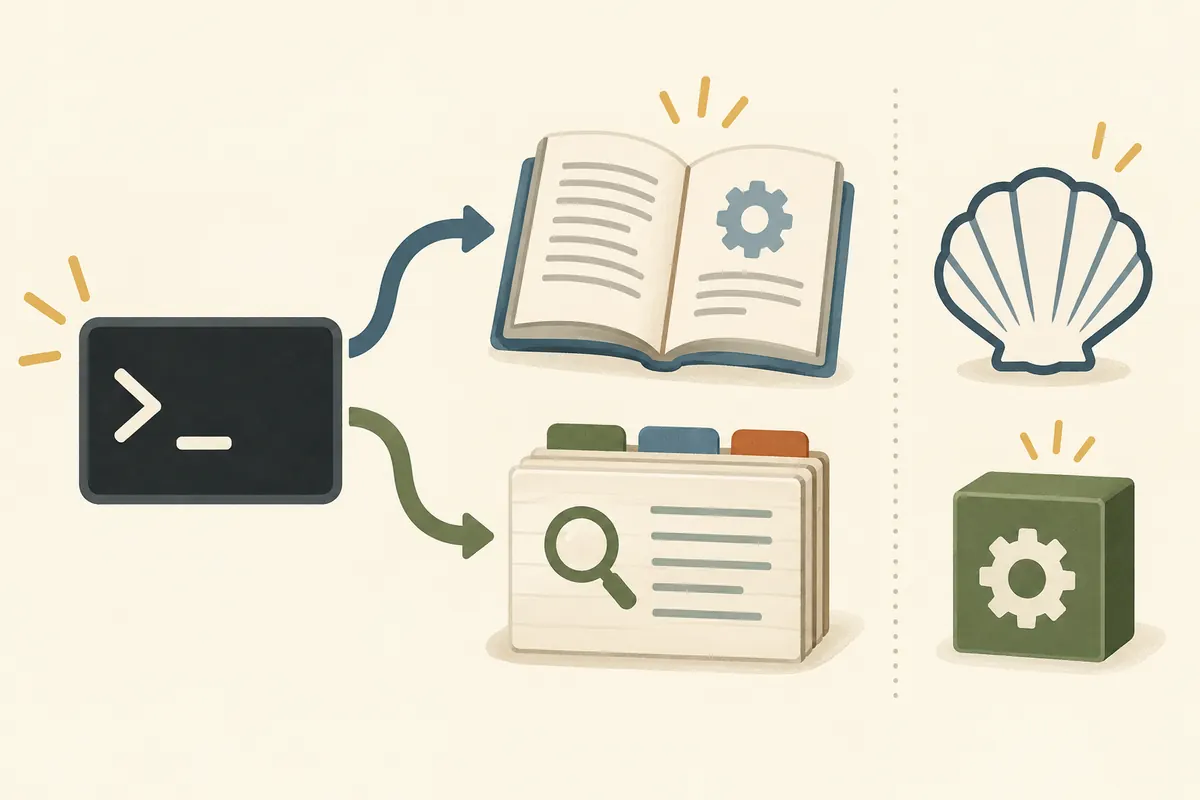
Conceptual illustration, not a macOS screenshot or command execution.
Open a page when you know the command
For example, man ls asks for the manual page named ls. If no page opens, it may not be installed or available on the current search path. Check the page title and opening description to confirm that it covers the program you intend to use. Read what an option does and what it can affect before running it. This is a direct way to look up a command whose name you already know.
Check the page’s version and scope
To look up pages by a keyword, use a form such as man -k socket. Apple’s man(1) manual documents -k as an apropos-style mode with keyword arguments; the result depends on the manual collection installed on that system, so do not infer how its index is built or that results are complete. To locate a page file, use a form such as man -w ls. The -w option prints the location instead of the page contents. Local documentation is useful offline, but it reflects the version installed with the operating system or package. A macOS-provided command can differ from a separately installed program with a similar name, so compare the page’s title and description with the tool you will actually run. If documentation is missing or appears old, consult the publisher’s current official materials as well. The absence of a local page alone does not prove that a capability is unavailable.
Separate the Terminal app from command behavior
Apple Support’s Terminal User Guide for Mac describes Terminal as an app for interacting with the command line. Checking the app version alone therefore cannot explain every command’s behavior. Identify the active shell, executable, and installed documentation when comparing results with another Mac or an online procedure. Before a command changes files or system settings, also confirm its target and how to reverse the change.
Expert perspective — a local manual is a starting point.
Apple’s Terminal guide and Command Line Primer distinguish the app from the command-line environment. Applied to troubleshooting, a local manual helps identify the installed tool; reproducing online instructions also requires matching the tool’s origin and version. The article describes only the options documented by Apple; it makes no claim about internal index construction or complete keyword coverage.