Preview PDF redaction: removal versus covering
Use Preview’s redaction tool, preserve an original, and check the saved sharing copy without assuming hidden data is cleared.
Publication & corrections: infostoa · Editorial standards
Individual author and specialist reviewer information is not provided for this article.
To remove sensitive text in Preview, use its redaction tool rather than drawing a dark shape over the words. A covered page can look finished while the underlying content still exists. Keep an original separately and check the exact saved copy before sharing.
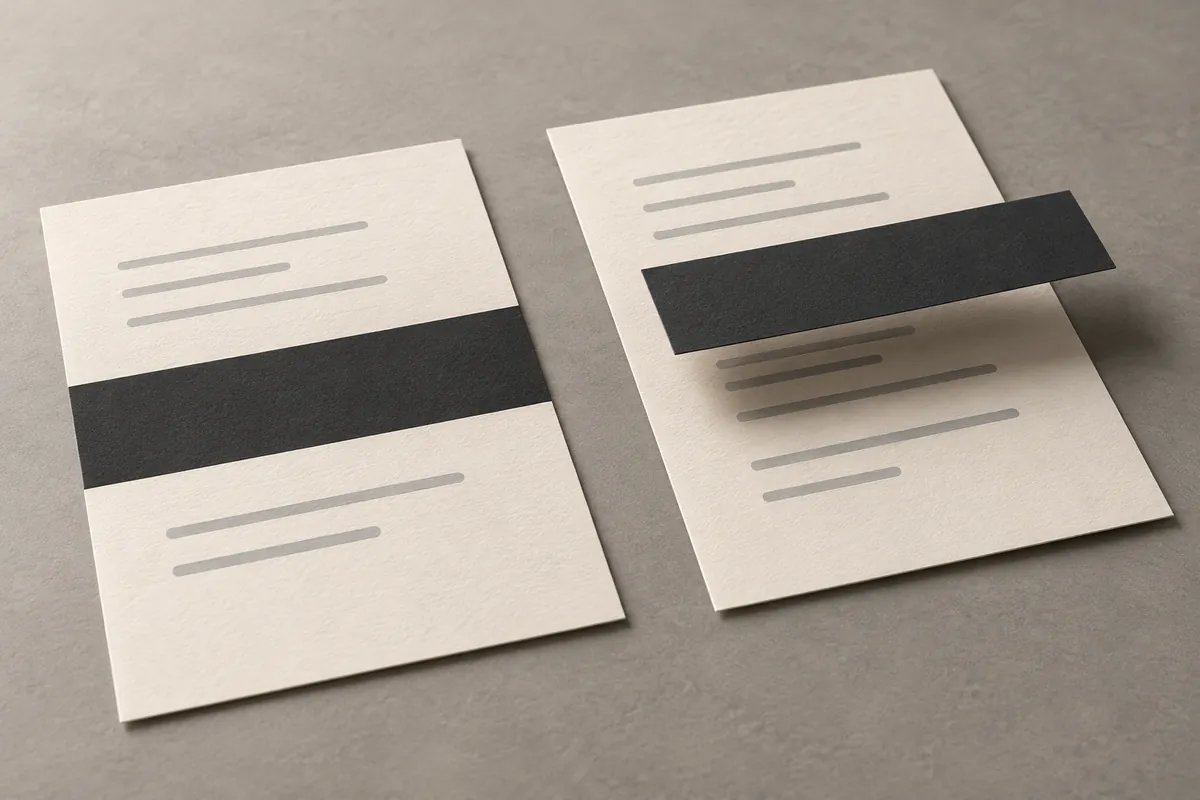
Conceptual illustration, not a screenshot or a test of a PDF.
Start with a separate copy
Apple documents File > Duplicate, followed by File > Save with a new name and location. Make the working copy before any irreversible edits. Choose a name that distinguishes the sharing copy from the original, and keep the original outside the delivery folder. Apple’s copying instructions.
Use redaction, not a cover
Open the PDF and show the Markup toolbar if hidden. Apple lists Redaction Selection there: select the text, and closing the document makes the redaction permanent. Its warning matters: linked table-of-contents entries are not removed. Check your macOS version in the guide’s selector. Apple’s redaction behavior.
Adobe’s specialist documentation includes text covered by other content among hidden-text categories. A black rectangle’s appearance therefore does not establish removal. Adobe’s hidden-text categories.
Check more than the visible page
Adobe distinguishes redaction of visible content from sanitization of hidden data. Those are separate tasks; do not infer that Preview’s text tool performs Acrobat’s sanitization. Adobe’s scope distinction.
Its hidden-content guidance names metadata, comments and hidden layers. For documents containing such material, use a workflow that explicitly addresses it rather than judging a screenshot. Adobe’s hidden-content guidance.
Reopen the saved sharing copy. Inspect each affected page and its contents entries. Search for the removed words using Preview’s search field. Apple’s search instructions. A result is a reason to stop; no result is not proof that every sensitive item is gone. For an illustrative invoice, check both the intended address and any repeated address elsewhere. Confirm the attachment you will send is this checked copy, not the original.