Mac Disk Utility First Aid: The Right Order and Its Limits
First Aid can check and repair some file-system errors, but not every disk failure. Check volumes, then containers and the device; use macOS Recovery for a startup disk.
Publication & corrections: infostoa · Editorial standards
Individual author and specialist reviewer information is not provided for this article.
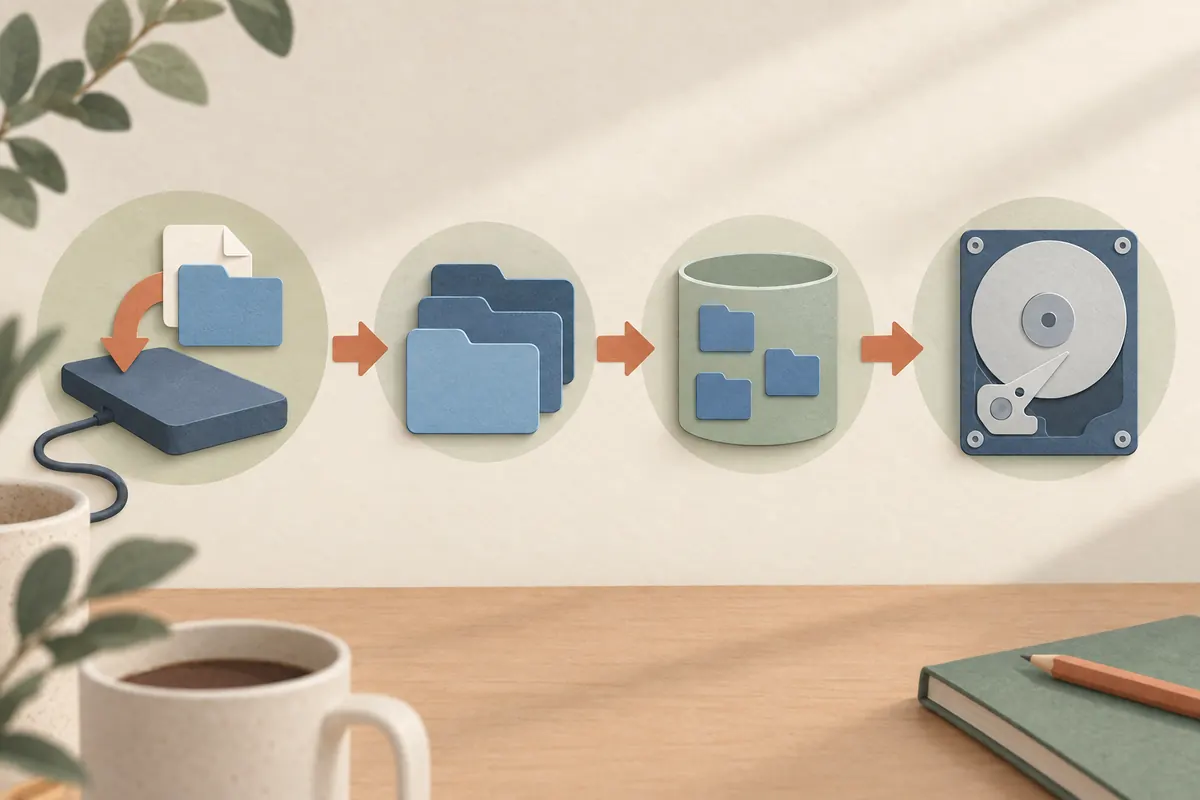
When a file is damaged or an external drive behaves unexpectedly, Disk Utility’s First Aid can check and repair some errors in a storage device’s formatting and directory structure. Apple is explicit that the tool cannot detect or repair every problem. A clean result therefore does not rule out physical failure or remove the risk of data loss.
Protect data before running a check
Copy important files to separate storage while they are still accessible. If Apple says a disk is about to fail, back it up and plan to replace it rather than treating repeated First Aid runs as a repair guarantee. The check does not create a separate copy of your files. File-system repair is not a substitute for a backup that protects data independently of the disk.
Work from volumes up to the device
In Disk Utility, choose View > Show All Devices to see the storage hierarchy. Apple’s current guide says to run First Aid on each volume, then each container, and finally the storage device itself. Record any error and its details before moving upward. To check startup storage, restart into macOS Recovery and open Disk Utility there; check the startup volume and its associated data volume.
Read the result and know when to stop
A message that a disk appears OK or has been repaired means the tool found no remaining issue it could identify in the selected check; it does not certify every hardware component. If First Aid fails or the same error returns, secure accessible files and contact Apple Support or a qualified repair service. Apple’s more disruptive fallback steps, such as erasing and reinstalling, should be considered only after a verified backup because erasing deletes data.
Expert perspective
Macworld Senior Editor Roman Loyola describes a Recovery-based workflow and moving upward through the storage hierarchy, but his article is tied to macOS Big Sur. Use Apple’s current guide for menu labels and present-day steps. First Aid is one diagnostic for certain file-system problems; a failing physical device may require replacement or data-recovery help.