Linux seccomp-BPF: How System Call Filters Work and Where They Stop
How kernel seccomp filters evaluate system calls, what Docker documents about its default profile, and why filtering is only one layer of isolation.
Publication & corrections: infostoa · Editorial standards
Individual author and specialist reviewer information is not provided for this article.
Why system calls matter to container isolation
Containers commonly use the host’s operating-system kernel rather than receiving a separate kernel for each process. Namespaces and resource controls shape the environment, but an application still asks the shared kernel to perform work through system calls. seccomp can restrict which calls reach that interface and thereby reduce the exposed kernel surface. It does not remove kernel vulnerabilities or make a container a complete security boundary. The Linux kernel documentation states directly that system-call filtering is not a sandbox and should be combined with other isolation and access-control mechanisms.
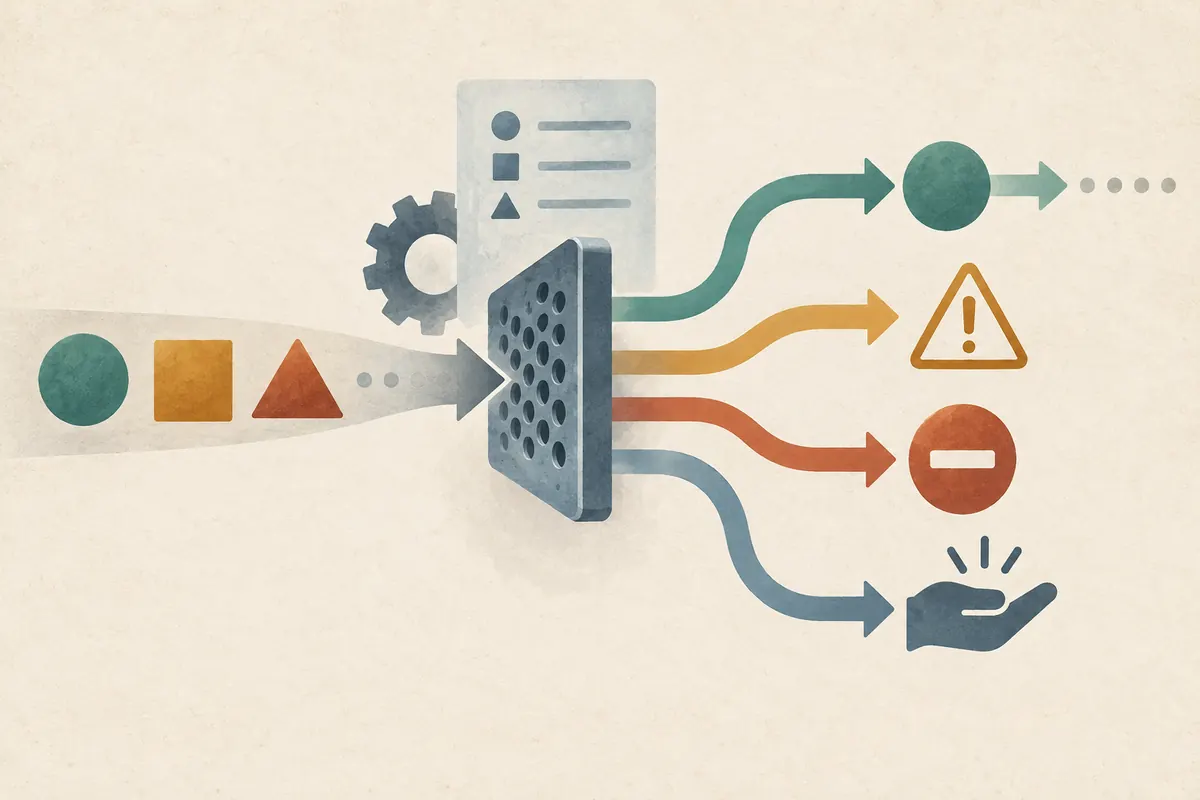
How seccomp-BPF evaluates a call
A filter is a classic BPF program that evaluates information in seccomp_data, including the system-call number and arguments. When a task issues a call, the kernel evaluates the filter and applies one of the supported results, such as ALLOW, ERRNO, TRAP, KILL, TRACE, LOG, or USER_NOTIF. Those actions do different things: continue execution, return an error, signal or terminate the task, notify a tracer, record an event, or send a notification to a userspace supervisor. Calling all of them simply “blocking” hides important behavior.
Installing a filter has prerequisites, and additional filters can be layered. The kernel documentation describes how filters are inherited by child processes and how installation permissions are constrained. It also warns that a filter must check the syscall architecture as well as the syscall number: on some systems, different calling conventions can assign overlapping numbers. A BPF filter cannot dereference user pointers, so it cannot inspect arbitrary data behind a pointer as if it were a full application-policy engine.
Docker’s default profile is specific to Docker
Docker describes its current default seccomp profile as an allowlist. Its documentation says the profile blocks about 44 of more than 300 system calls, balancing moderate protection with broad application compatibility. That count and the blocked-call list describe the current Docker guide; they are not fixed rules for every runtime, distribution, or release. The page gives examples such as ptrace, reboot, and setns, and explains some reasons for excluding them. Excluding a call does not eliminate every route to the underlying risk.
The behavior also depends on seccomp support in the kernel and Docker build. Docker says containers use the default profile unless an alternative is supplied through --security-opt, and advises against changing the default profile. A custom profile must be assessed against the application’s actual call requirements and the host’s other security controls. Docker’s page cannot establish defaults for Kubernetes or another container platform.
Expert perspective: review the deny policy with the other isolation layers
seccomp is useful because it can apply small, explicit rules at the system-call boundary. It is not a general policy engine for every argument’s meaning or every application data flow. As the kernel documentation explains, logical behavior and information flow need other hardening mechanisms as well. Docker’s profile also aims to preserve broad compatibility, so changing an allowlist can affect both exposure and application behavior.
A review should identify which calls are allowed or denied and why, how filters apply to the process tree, and what a selected error, logging, or notification action means operationally. If a policy is changed, representative application tasks should be exercised in a non-production setting to reveal compatibility effects. That check is a way to understand one isolation layer and its dependencies; it is not a complete security audit or a guarantee that a workload is safe.
Sources
- Linux Kernel Documentation, “Seccomp BPF (SECure COMPuting with filters)” — Kernel reference for filter inputs, return actions, installation conditions, and architecture pitfalls.
- Docker Documentation, “Seccomp security profiles for Docker” — Product-specific description of Docker’s default allowlist and profile scope.